gavel
Terms & Conditions
Voucher Code Issuer: Sony Interactive Entertainment Network Europe Ltd, 10 Great Marlborough St, London, W1F 7LP, UK. Redeemable only against issuer by users aged 18+ holding a Playstation account registered to South Africa. Terms of Service, Privacy Policy, Voucher Code Terms, Software Usage Terms and additional content/service terms, apply. Wallet funds can be used by the redeeming account holder to pay for items in the PlayStation Store available to South Africa account holders. Further restrictions on account holders aged under 18 apply. Certain subscription purchases require the account holder to have a payment card registered. Compatible Sony System is required as well as internet connection. Subject to applicable local laws, voucher code not redeemable for cash and cannot be resold or otherwise exchanged. Will not be replaced if lost, stolen, or damaged after purchase. Valid for one time use only. See full terms www.playstation.com
About PlayStation Store Gift Cards
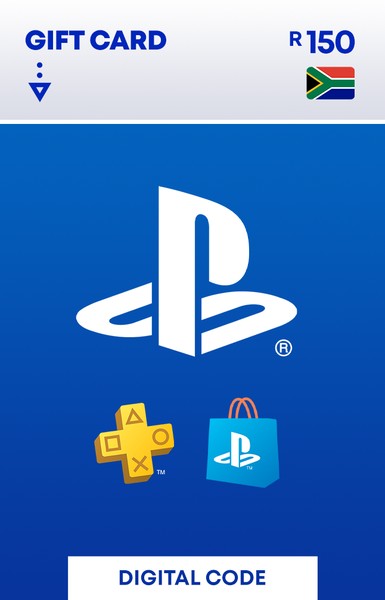
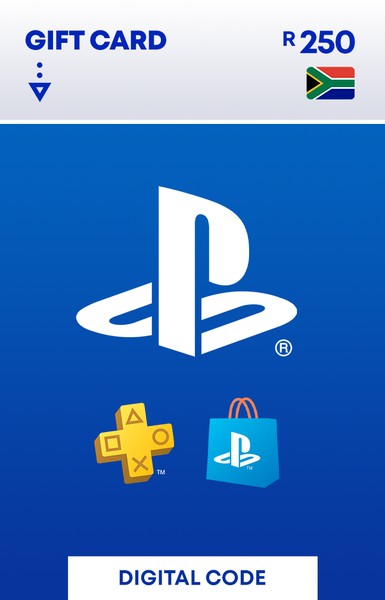
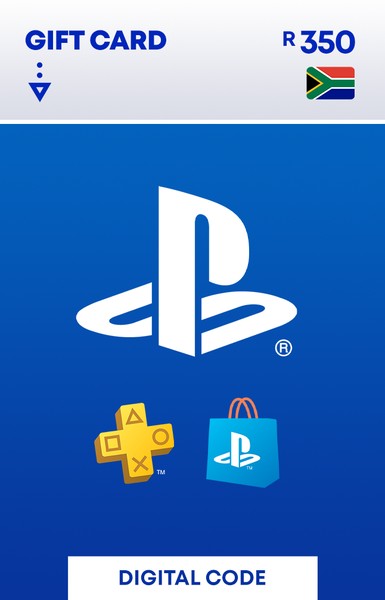
Buy PlayStation Store gift cards online in South Africa and top up your PSN wallet instantly. Our digital codes range from R150 to R3,500 and work on PS5, PS4 and the PlayStation App. Once redeemed, your wallet funds can be used to purchase games, DLC, in-game currency and even PS Plus subscriptions directly from the PlayStation Store.
All our PlayStation gift cards are for the South African PSN Store and are denominated in ZAR. Because the PlayStation Store is region-locked, you need a card that matches your account region — our codes are issued specifically for SA accounts. Delivery is instant: you receive your code by email and can redeem it in under a minute.
Not sure whether to go PlayStation or Xbox? Read our PlayStation vs Xbox gift card comparison to help you decide.
Frequently Asked Questions
What denominations are available for PlayStation gift cards?
We stock PlayStation Store gift cards from R150 up to R3,500 in South African Rand. You can combine multiple cards to build up a larger wallet balance if needed.
Will a South African PSN card work on my account?
Yes, as long as your PlayStation Network account is registered to South Africa. PSN gift cards are region-locked, so the card region must match your account region. All cards sold on Evopoints are for the SA store.
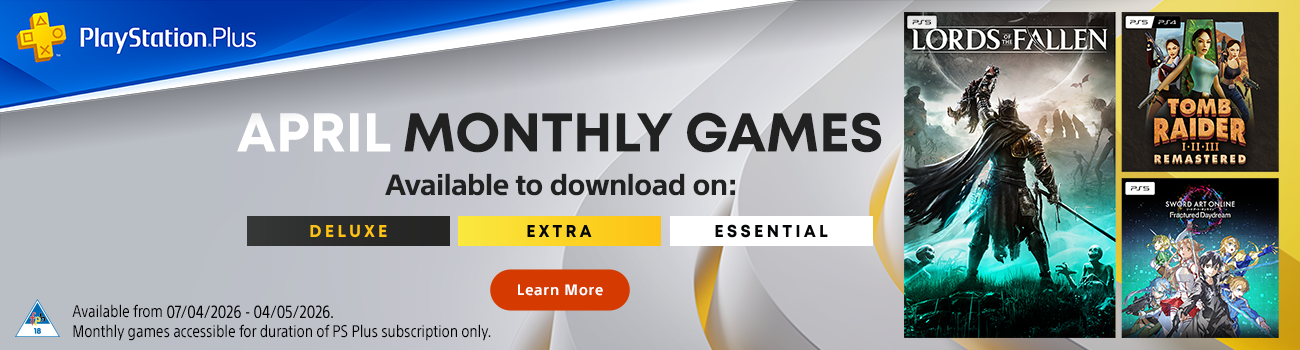
Can I buy PS Plus with a PlayStation gift card?
Yes. Once you redeem the gift card to your PSN wallet, you can use those funds to purchase any PS Plus tier — Essential, Extra or Premium — directly from the PlayStation Store.
Do PlayStation Store gift cards expire?
Unredeemed codes do not expire. Once redeemed, the funds sit in your PSN wallet indefinitely until you spend them.